Photoshop techniques challenge
In this project, I was to take photographs and edit them in Photoshop to create something new.
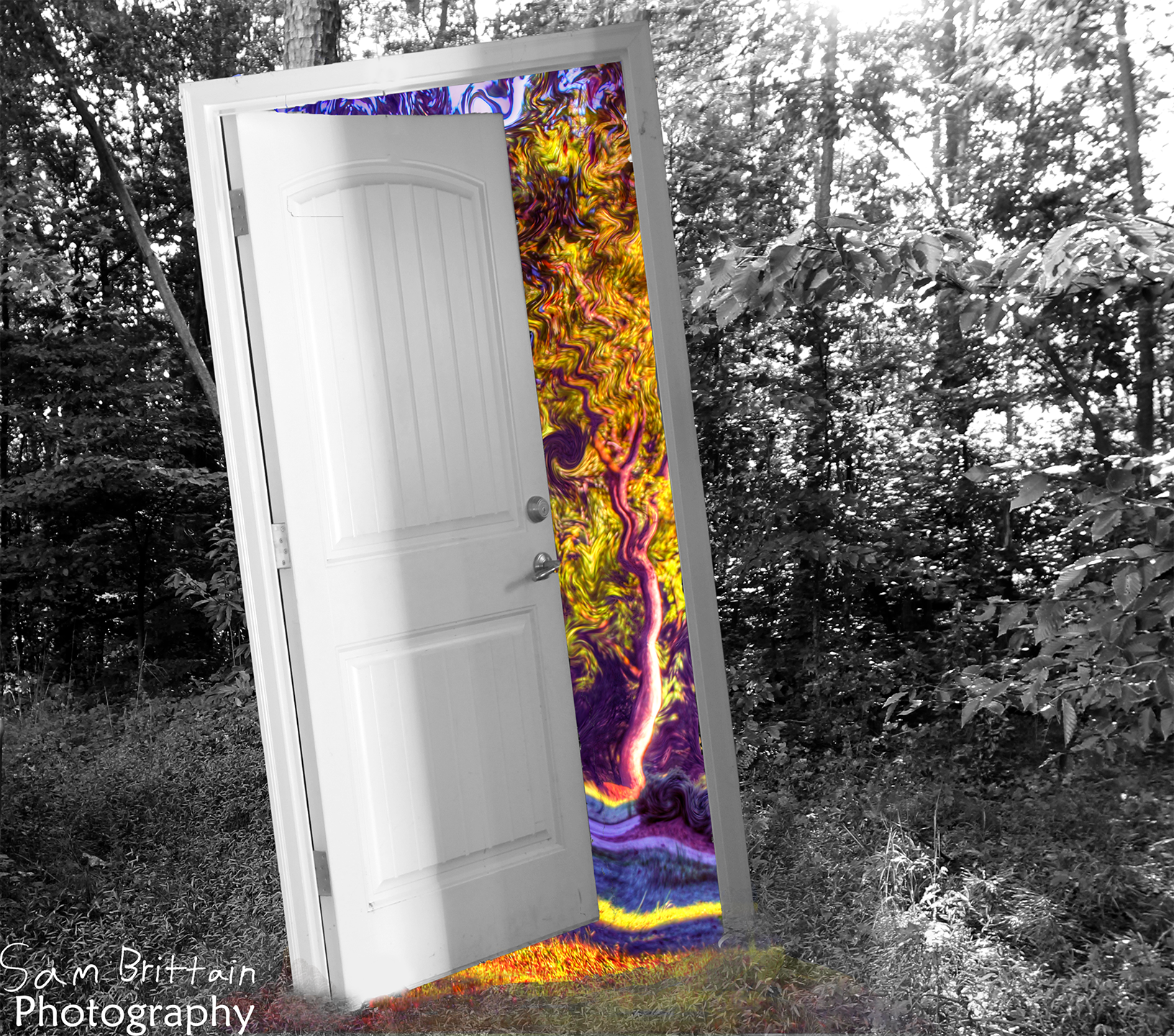
Image 1:
This composite blends a grayscale forest scene with a vibrant, marbled pattern emerging from behind an open door. The contrast between the muted environment and the color-rich interior creates a surreal transition between two worlds. This piece was designed to explore selective color, masking techniques, and depth through layered textures.
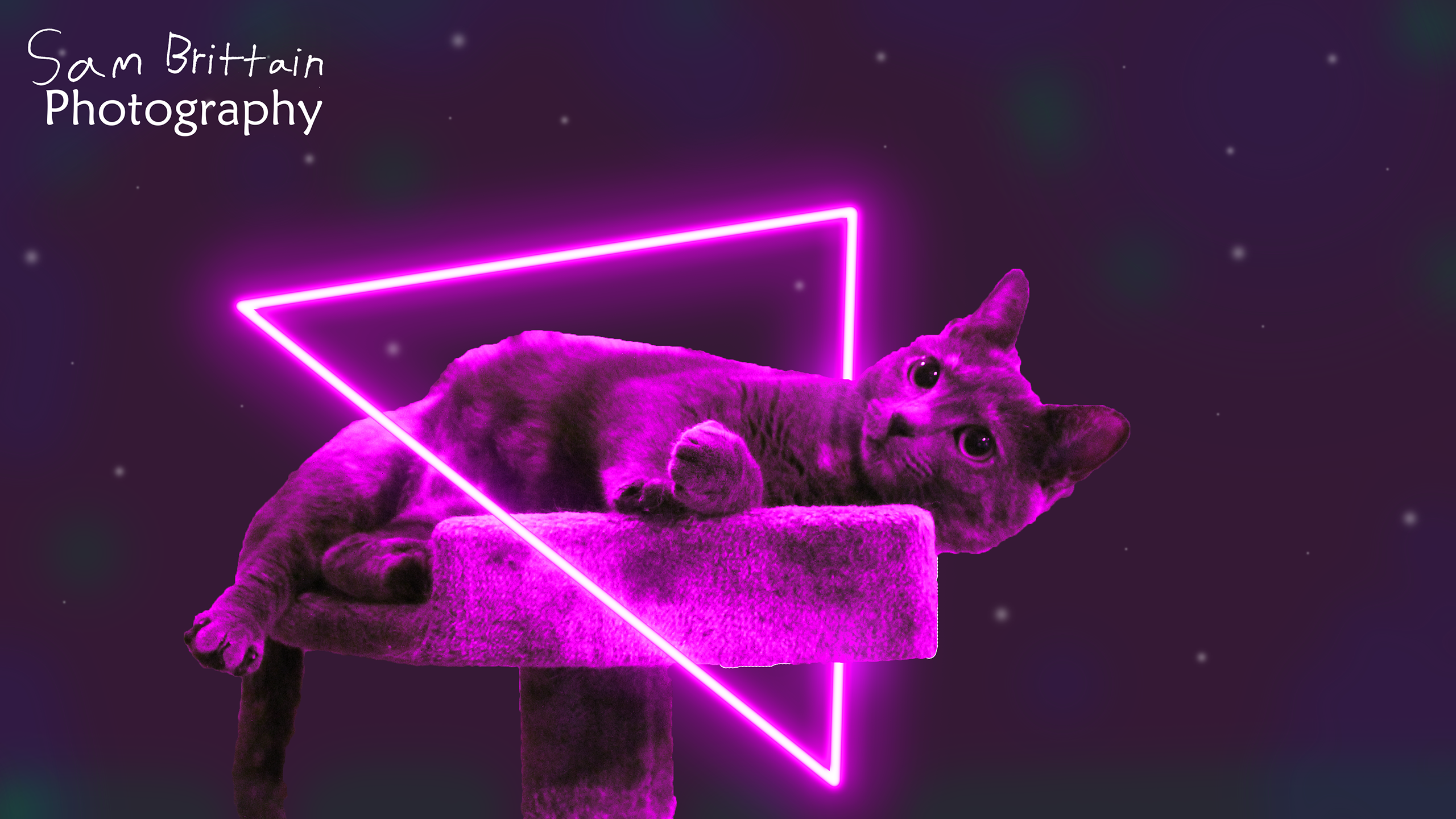
Image 2:
This image uses neon geometry and selective lighting effects to transform a simple photo of a cat into a stylized, futuristic portrait. I used Photoshop blend modes, glow effects, and custom gradients to create an energetic, sci-fi aesthetic that contrasts with the soft texture of the original photograph.
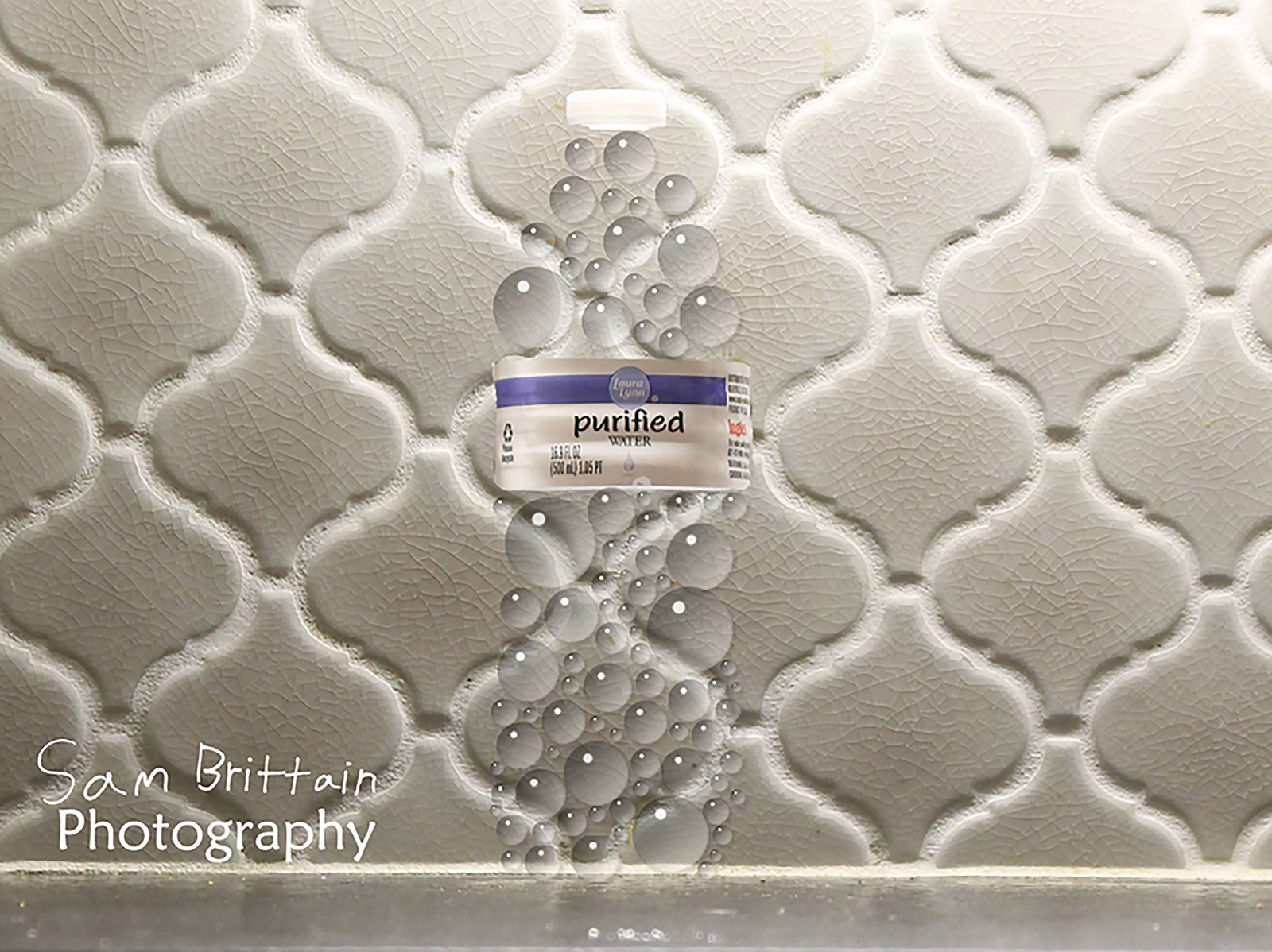
Image 3:
This image, shot like a product shoot, uses gradients to create the illusion of water droplets that take the place of the water bottle's form.
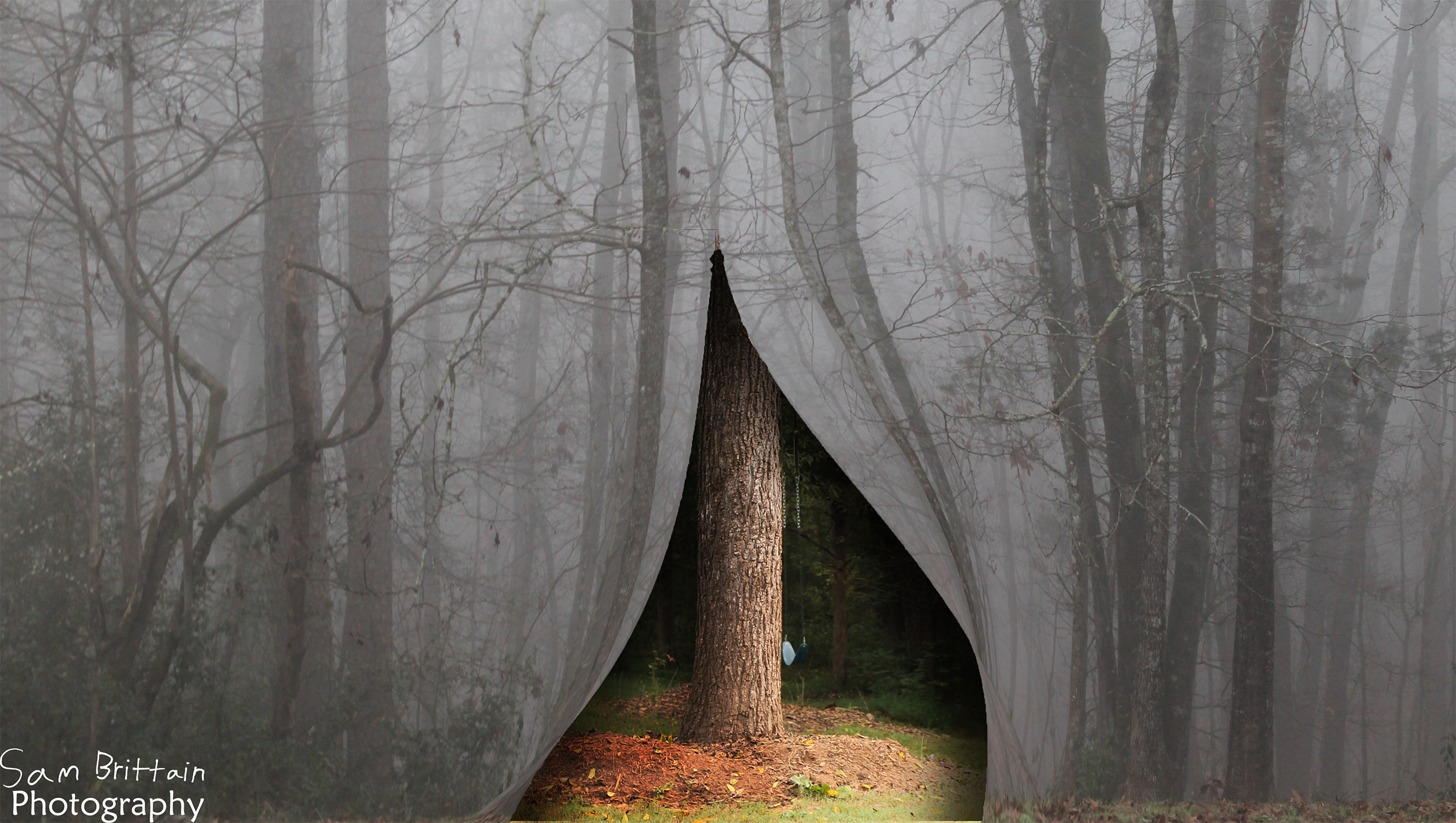
Image 4:
In this composite, a foggy forest is opened up like a heavy curtain opening up to a different forest. I combined multiple images using masking, shadow adjustments, and color matching to create a seamless transition.